I4C Warns of Fake 'Find My iPhone' Texts: How iPhone Thieves Phish Your Apple ID
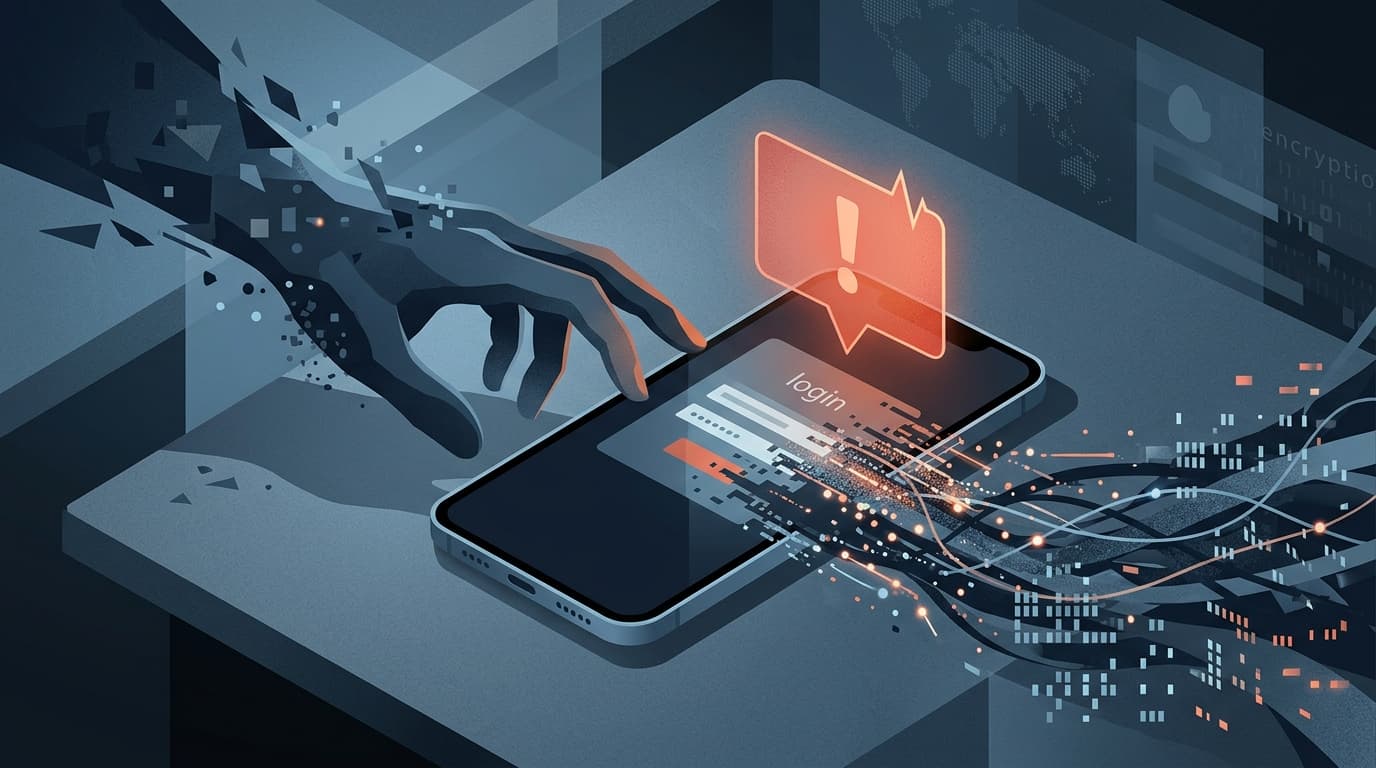
India's I4C warns that criminals who steal or find an iPhone send fake Apple 'Find My' texts to trick victims into entering their Apple ID password and one-time code, letting thieves disable Activation Lock and resell the device. Here is how the trap works and how to stay safe.
India's national cybercrime unit has warned that criminals who steal or find an iPhone are now sending fake "Find My iPhone" texts to the victim, tricking them into handing over their Apple Account password and one-time code so the phone can be unlocked and resold. The official advisory explains exactly how the trap works and how to avoid it.
At a glance
How the scam works
The Indian Cyber Crime Coordination Centre (I4C), part of the Ministry of Home Affairs, says its National Cybercrime Threat Analytics Unit has identified a "hybrid" crime that combines a physical theft with online phishing. According to the I4C advisory dated 5 May 2026, the steps are:
- The phone is lost or stolen. The criminal already has physical possession of your iPhone, but it is locked and useless to them because of Apple's security.
- A fake "Find My" text arrives. You receive an SMS that looks like an Apple Support or "Find My Device" alert, often from a numeric SMS header. The advisory notes these messages typically claim the lost device has been temporarily switched off, or that urgent action is needed to erase its contacts, media and other data.
- The link opens a fake Apple page. Tapping the link takes you to a counterfeit website built to look like the real Apple Support or iCloud sign-in page. The advisory warns that these phishing domains often use deceptive naming to look legitimate.
- You are asked for your Apple Account and the code. The fake page asks for your Apple Account and password, then for the one-time password or two-factor authentication code that Apple sends to your trusted devices.
- The phone is freed and resold. With your credentials and the code, the criminals sign in to your iCloud account, remove your Apple Account from the stolen device, switch off "Find My iPhone," bypass the lock, and resell or reuse the phone.
How does the fake text reach you in the first place? When you mark an iPhone as lost, its lock screen can display a message with an alternate phone number or email so an honest finder can contact you. Thieves harvest that contact detail, and sometimes pull your number straight off the stolen SIM, then use it to send the phishing SMS. That is why the message often lands soon after the phone goes missing. This is an organised, tooled racket, not a lone opportunist: ready-made phishing kits that clone Apple's pages are sold cheaply on criminal marketplaces.
Why thieves need your password
A modern iPhone is hard to resell because of a feature called Activation Lock, which switches on automatically when you set up Find My. Apple states plainly that "your Apple Account password is required before anyone can turn off Find My, erase your device, or reactivate and use your device." That is the whole reason the criminal sends the phishing text: the hardware is in their hands, but only you can unlock it, so they try to con the password and code out of you. The moment you enter them on the fake page, the only barrier protecting your phone and your account is gone.
Red flags to spot the fake message
The advisory and Apple's own guidance point to the same warning signs. Apple says you should "never share your Apple Account password or verification codes with anyone" and that "Apple never asks for this information to provide support."
| Warning sign | What it means |
|---|---|
| An urgent SMS or iMessage about your "lost" device with a link to log in | Apple does not send you a link to sign in to recover a device. Genuine alerts appear inside Find My or at icloud.com/find. |
| The link looks right but the web address is not apple.com or icloud.com | Apple lists a mismatched URL as a classic phishing sign. Always read the full address before typing anything. |
| The page asks for your Apple Account password and then your OTP or 2FA code | No legitimate Apple page will ask you to confirm your identity this way after a theft. The code is the last thing a criminal needs. |
| The message arrives from an unknown or international SMS header soon after the phone went missing | The timing is deliberate. Criminals strike while you are anxious to find the device. |
What to do if your iPhone is lost or stolen
These steps follow the I4C advisory's recommended precautions and Apple's official support guidance.
- Mark the device as lost in Find My, do not remove it. Use the official service at icloud.com/find. The advisory says to keep "Find My" active and not to remove devices from your Apple Account without verification. Removing it yourself does the criminal's job for them. In the lost-message contact, use a phone number or email that is not your Apple Account, so a harvested contact cannot be cross-referenced against your login.
- Lock your SIM with a PIN. A SIM PIN stops a thief pulling your number off the stolen SIM to message you or intercept OTPs. Set it in Settings, then Mobile Data, then SIM PIN.
- Never enter your Apple Account or OTP on a link from an SMS. The advisory says to "avoid clicking links received via SMS (especially from international SMS Headers)" and to "carefully check the URL before entering credentials." Do not enter OTPs on unverified websites or disclose them to anyone.
- Keep two-factor authentication on and use a strong password. The advisory urges users to "always activate Two-Factor Authentication (2FA), use strong passwords and keep devices updated with latest security patches." 2FA only protects you if you never read the code out to anyone.
- Block the handset on the CEIR portal. The advisory recommends requesting a block of the lost or stolen mobile through the Government of India's CEIR portal at ceir.gov.in (also reachable via the Sanchar Saathi portal, sancharsaathi.gov.in), which can stop the device being used on Indian networks by its IMEI.
- Change your Apple Account password if you think you entered it. If you tapped a link and typed your details, change your Apple Account password immediately from a trusted device and review your account's logged-in devices.
- Report it. The advisory says to "report phishing attempts immediately" to cybercrime.gov.in or call 1930. You can also forward the fake message to Apple at [email protected].
How to report it
If you have received one of these fake "Find My" messages, or if you entered your Apple Account and code on a suspicious page, report it without delay. Call the national cybercrime helpline on 1930 or file a complaint at cybercrime.gov.in. Acting quickly gives the best chance of protecting your account and any linked payment methods. For a step-by-step walkthrough of the complaint process, see our guide: How to Report Cybercrime in India (and Get Your Money Back).
FAQs
Does Apple ever text me a link to recover my lost iPhone?
No. Apple says it will never ask you to sign in on a website or hand over your password or verification codes to provide support. Genuine recovery happens inside the Find My app or at icloud.com/find, which you open yourself.
The text looked exactly like Apple. How can I tell it is fake?
Check the web address before typing anything. Apple lists a URL that does not match apple.com or icloud.com as a phishing sign. If a page asks for your Apple Account password and then your one-time code after your phone went missing, treat it as a scam.
I already entered my Apple Account and the OTP. What now?
Change your Apple Account password immediately from a trusted device, check the devices signed in to your account, keep Find My on, and report it on 1930 or at cybercrime.gov.in.
Why do thieves bother phishing me instead of just wiping the phone?
Because they cannot. Apple's Activation Lock means your Apple Account password is required before anyone can turn off Find My, erase the device, or reactivate it. Phishing your password is their only way around it, so do not give it to them.
Should I remove the lost device from my Apple Account to "reset" it?
No. The advisory specifically warns against removing the device from your Apple Account without verification. Keeping it on your account and marked as lost is what keeps it locked and worthless to a thief.
Source: Indian Cyber Crime Coordination Centre (I4C), Ministry of Home Affairs, advisory "iPhone users targeted in hybrid cybercrime – theft & unauthorized access," 5 May 2026; Apple Support, "Recognize and avoid phishing messages, fake support calls, and other scams" and "Activation Lock for iPhone and iPad."