"Was My Data Leaked?" How to Check a Breach and What to Lock Down First
Got a breach notice or found your email in a leak? Check haveibeenpwned.com, then lock down passwords, 2FA, and your credit in the right order.
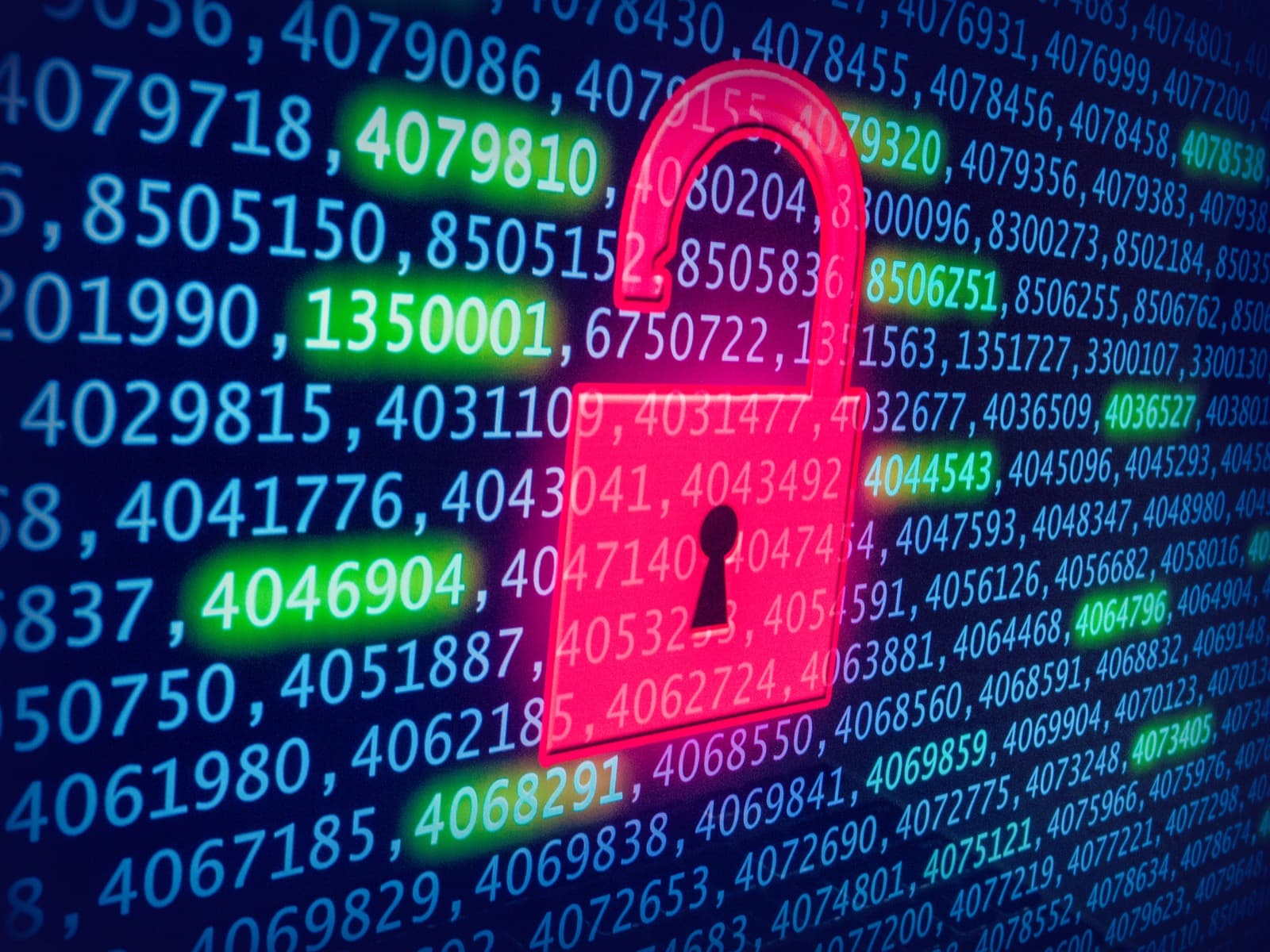
Image: an unlocked padlock over leaked data · Credit: Blogtrepreneur · CC BY 2.0 · source
Quick answer: Check whether your email has appeared in a known data breach at haveibeenpwned.com. If it has, or if you received a breach notice, change the password on that account and anywhere you reused it, turn on two-factor authentication, and watch your bank and credit accounts for anything you did not do.
A breach notice, or discovering your email in a leak, is unsettling but rarely means immediate disaster. What matters is doing the right things in the right order, and the biggest real risk is usually not the breach itself, but reused passwords and the phishing that follows.
How to check if you were affected
- Search your email at haveibeenpwned.com. It lists which known breaches include your address, and for what kind of data.
- Read any official breach notice carefully. It should say what data was exposed (passwords, card numbers, SSNs) and what the company is offering (often free credit monitoring).
- Check whether your password manager flags reused or breached passwords, most modern browsers and password managers do this automatically.
What to lock down first
- Change the password on the breached account, and on every other account where you used the same or a similar password.
- Turn on two-factor authentication everywhere it is offered, starting with email and banking.
- Check your email's forwarding and filter rules. Attackers sometimes add rules to intercept password-reset emails; remove any you did not create.
- If financial data or your Social Security number was exposed, place a free credit freeze with Equifax, Experian, and TransUnion, and consider an IRS Identity Protection PIN.
- Watch your bank and card statements for unfamiliar transactions, and set up transaction alerts if you have not already.
- Be extra alert to phishing. Breached data is often used to craft convincing follow-up scam emails and texts.
Frequently asked questions
How do I know if my data was leaked? Search your email at haveibeenpwned.com, or check any official notice a company sent you after a breach.
What should I change first? The password on the breached account, then any other account using the same or a similar password.
Was my Social Security number exposed. What now? Place a free credit freeze at all three bureaus (Equifax, Experian, TransUnion) and monitor your credit report for new accounts you did not open.
Does a credit freeze cost money? No, freezing and unfreezing your credit is free in the United States.
Is reusing passwords really that risky? Yes. It is the single biggest reason one breach turns into many account takeovers, since attackers test leaked passwords against other sites.
Related: recover a hacked Instagram or Facebook account and recover a hacked WhatsApp account.
If your data has been exposed, you are not alone. See our cybercrime help hub for step-by-step reporting and recovery guides.