Someone Opened SIMs on Your Aadhaar? Check and Block Them Free on Sanchar Saathi (TAFCOP)
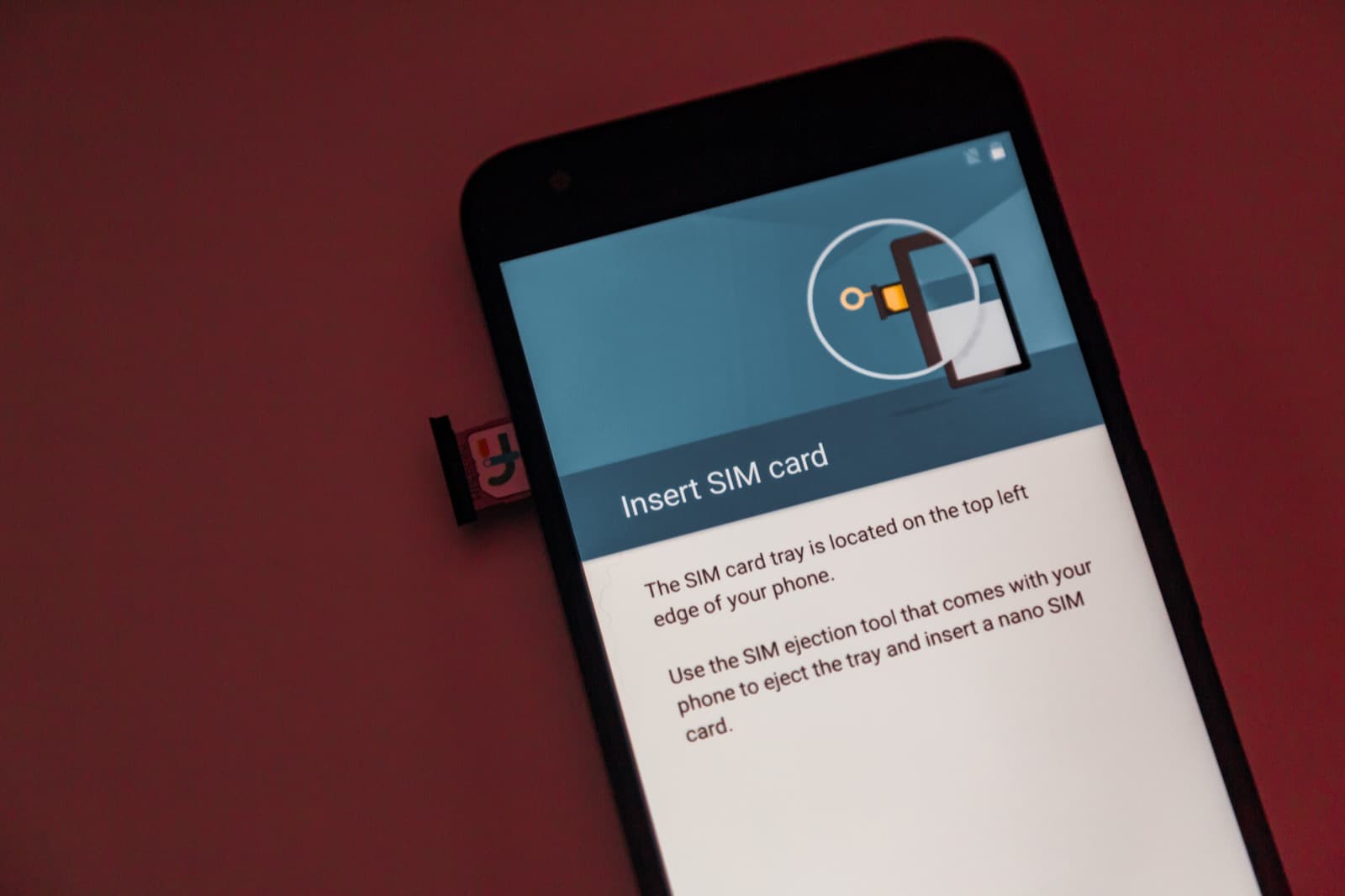
Check every mobile SIM registered in your name for free on the Government of India's Sanchar Saathi (TAFCOP) portal, and report any you did not take.
Image: a smartphone SIM-card tray · Tony Webster / Wikimedia Commons · CC BY 2.0 · source
Quick answer: To see how many mobile numbers are registered against your name, go to the Government of India's Sanchar Saathi portal (sancharsaathi.gov.in), open "Know Your Mobile Connections" (the TAFCOP service), verify your number with an OTP, and review the list. Flag any connection you did not take as "Not my number" so the department can start disconnection. It is free and takes a few minutes.
A mobile number taken out in your name without your knowledge is not a small thing. It can be used to open mule bank accounts, register on fraud apps, receive scam payments, or pass one-time passwords, all traceable back to you. The good news: the government runs a free self-service tool that shows every connection linked to your identity, and lets you report the ones you never asked for.
What is TAFCOP and Sanchar Saathi?
Sanchar Saathi is a citizen portal run by the Department of Telecommunications (DoT). One of its services, TAFCOP (Telecom Analytics for Fraud Management and Consumer Protection), lets you see the mobile connections issued against your identity document. The same portal also lets you block a lost or stolen phone (CEIR), report suspicious calls and SMS (Chakshu), and check whether a device is genuine.
How to check the SIMs in your name
- Open the portal. Go to sancharsaathi.gov.in and select "Know Your Mobile Connections" (TAFCOP). You can also reach it at tafcop.sancharsaathi.gov.in.
- Verify with an OTP. Enter your mobile number and the captcha, then the one-time password sent to you. You do not enter your Aadhaar number anywhere.
- Review the list. The page shows every mobile connection registered against your identity.
- Flag what is not yours. For any number you do not recognise, choose "Not my number." For a number you no longer use, choose "Not required."
- Note the ticket. You receive a reference ID to track the request. The provider verifies and disconnects the flagged connection.
If you find a SIM you never took
Report it on the portal straight away using "Not my number." If any fraud has already happened using that connection, or money has been lost, also file a complaint on the national cybercrime helpline 1930 and at cybercrime.gov.in, and tell your bank to watch for accounts opened in your name. Keep the TAFCOP reference ID as evidence.
Why this matters
India caps mobile connections at nine per person (six in Jammu & Kashmir, Assam and the North-Eastern states), and telecom rules require genuine documents for every SIM. But identity documents leak, and agents sometimes issue extra SIMs on a customer's papers. Those spare connections are exactly what fraud networks want, because the trail leads to you, not them. A two-minute check, repeated every few months, closes that door.
Beware of look-alike websites. The only official portal is sancharsaathi.gov.in. Do not enter details on other "TAFCOP" domains that copy the design, and never pay anyone to "check" or "remove" SIMs, the service is free.
Frequently asked questions
Do I need my Aadhaar number to check? No. You verify with your mobile number and an OTP. The portal does not ask you to type your Aadhaar number.
How many SIMs can be registered in my name? Up to nine mobile connections per person nationwide, and six in Jammu & Kashmir, Assam and the North-Eastern states, per Department of Telecommunications rules in force since December 2021.
What happens after I flag a number? The connection goes for re-verification, and the operator disconnects it if it was not taken by you. You get a reference ID to track it.
Is there a fee? No. Checking and reporting on Sanchar Saathi is free. Anyone charging for it is running a scam.
How often should I check? Every few months, and immediately if you suspect your documents were misused or your Aadhaar details leaked.
Related: how SIM-swap fraud empties bank accounts and how to report cybercrime in India.
If your identity has been misused, you are not alone. See our cybercrime help hub for step-by-step reporting and recovery guides.