Securing WhatsApp and Social Media Against Modern Account Hijacking
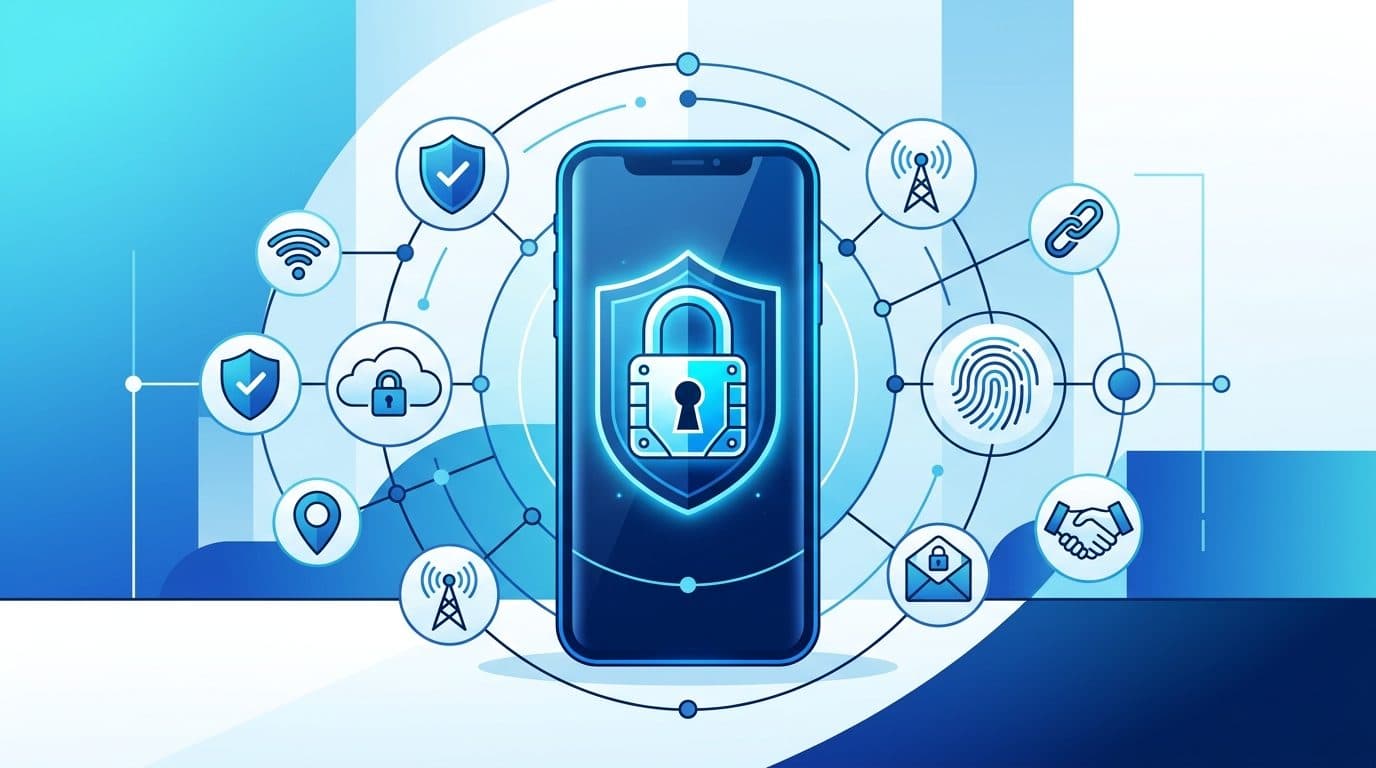
Learn how to protect your WhatsApp, Instagram, and Facebook accounts from social engineering and identity-based attacks with essential security steps.
Account hijacking has shifted away from complex technical exploits toward social engineering, where attackers use psychological manipulation to gain unauthorized access. As of mid-2026, the primary threat involves tricking users into revealing verification details rather than traditional hacking methods.
How Accounts Get Hijacked in 2026
Attackers primarily rely on three methods to compromise personal accounts.
- OTP Theft: Scammers impersonate friends or support officials, requesting a 6-digit verification code you received via SMS. If you provide this code, they register your account on their own device.
- GhostPairing Attacks: You may be tricked into scanning a malicious QR code or clicking a link disguised as a legitimate feature, such as a photo viewer. This process secretly links the attacker’s browser to your device as an invisible secondary unit.
- Urgency Tactics: Attackers often manufacture fake emergencies, claiming your account is about to be blocked. This pressure encourages victims to act without verifying the identity of the person contacting them.
How to Enable Two-Step Verification
Two-step verification (2SV) creates a vital barrier by requiring a secondary PIN alongside standard verification codes.
For WhatsApp
- Navigate to Settings > Account > Two-step verification and select Turn on.
- Create a 6-digit PIN and register an email address for recovery. Never skip the email step, as it provides the only path for account restoration if you forget your PIN.
For Instagram and Facebook
- Access the Accounts Center within settings, then proceed to Password and security and select Two-factor authentication.
- Choose your preferred method. Using an authenticator app is significantly more secure than relying on SMS-based codes.
Emergency Recovery: What to Do If Hijacked
If you suspect your account is compromised, speed is essential for successful recovery.
- Re-register Immediately: On WhatsApp, attempt to log in using your phone number and verify with an SMS code. This action automatically logs the attacker out of your account.
- Use Official Portals: For Meta platforms, visit facebook.com/hacked or instagram.com/hacked. If WhatsApp access remains blocked, email [email protected] with the subject "Lost/Stolen: Please deactivate my account."
- Warn Your Contacts: Use an alternative communication method to alert your network that your account is compromised, preventing them from interacting with fraudulent messages.
- Report the Incident: In India, contact the National Cyber Crime Helpline at 1930 or submit a report at cybercrime.gov.in. International users should contact their local law enforcement cyber units.
Frequently Asked Questions
Should I share verification codes with family members? No. Never share a 6-digit verification code with anyone, regardless of your relationship with them.
How do I check if my account is being monitored? Regularly inspect your linked devices within the app settings. Immediately remove any session or device you do not recognize.
What should I do if a message demands urgent action? Assume that any message creating intense pressure is a trap. Pause, breathe, and verify the claim by contacting the person or entity through a different, known-good channel.
Sources
- WhatsApp Help Center [WhatsApp]
- Meta Account Recovery Hub [Meta]
- Cybersecurity Recovery Guide [RTI Wiki]
- Security Analysis and Trends [Bitdefender]
- Identity Protection Guidelines [Gen Digital]