Passkeys Explained: The Password Replacement Going Mainstream
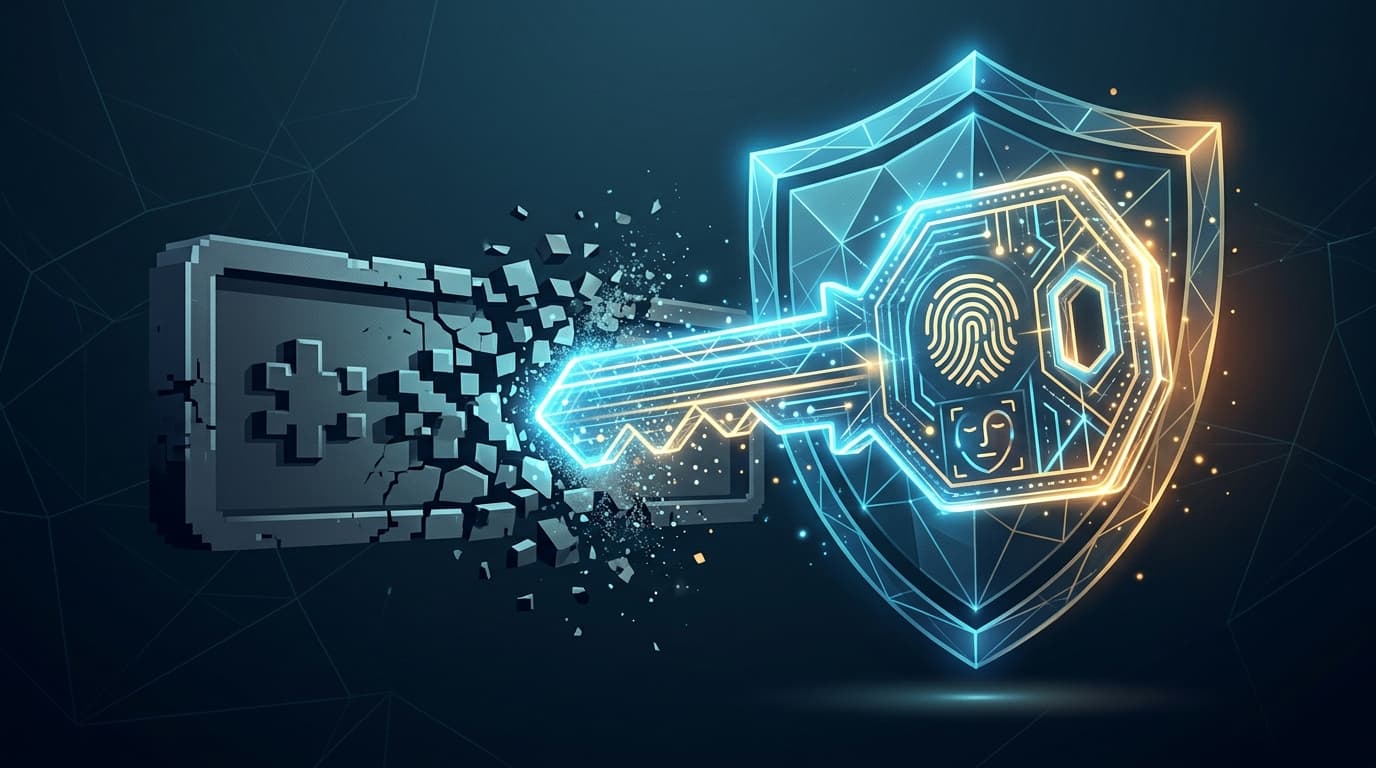
Passwords are the weak link in almost every hack. Passkeys are the fix the whole industry is now adopting, and they cannot be phished. What they are, why they are safer, and how to start using them.
Almost every major hack still begins the same way: a stolen, guessed, or phished password. Passkeys are the technology designed to end that, and in 2026 they have gone from novelty to default at Google, Apple, Microsoft and beyond. Here is what a passkey actually is, why it cannot be phished, and how to switch.
What a passkey actually is
A passkey replaces your password with a pair of cryptographic keys. When you create one, your device generates a private key that never leaves it and a public key that is handed to the website. To sign in, you simply unlock your device the way you already do, with your face, fingerprint or PIN. There is no secret to type, remember, or accidentally give away. Technically, passkeys are built on the FIDO and WebAuthn standards that Apple, Google and Microsoft jointly back.
Why phishing bounces off a passkey
This is the part that matters. A passkey is cryptographically bound to the real website's address. If you land on a convincing fake, the passkey simply will not work, because the domain does not match, and there is no code or password for an attacker's relay to capture. The US cyber agency CISA calls FIDO-based authentication the only widely available phishing-resistant option. The same adversary-in-the-middle trick that defeats SMS codes is useless against a passkey.
Big tech is going passwordless
The shift is well under way. Since May 2025, every new Microsoft account is passwordless by default. Google reported passkeys had been used over a billion times across more than 400 million accounts by 2024. By 2026 the FIDO Alliance counted roughly five billion passkeys in use and found that nearly half of the world's top 100 websites support them. Adoption is global, spanning the US, Europe, India, Japan and beyond.
The honest catch: recovery, device loss and lock-in
Passkeys are not flawless. The common worry, "what if I lose my phone," is largely solved because consumer passkeys sync, encrypted, through your Apple, Google or password-manager account, so they restore on a new device. The real weak points are elsewhere: account recovery often still falls back to email or SMS, so your security is only as strong as that fallback; and syncing across ecosystems is messy, since Apple and Google do not sync to each other unless you use a cross-platform password manager. Support is also still uneven, with fewer than half of major sites offering passkeys so far.
How to turn on passkeys today
- Google: visit your Google Account, then Security, then "Passkeys and security keys".
- Apple: ensure iCloud Keychain is on; passkeys are created and synced automatically where supported.
- Microsoft: at account.microsoft.com, open Security and add a passkey as a sign-in method.
- Keep one backup method (an authenticator app or a second passkey) so you are never locked out.