Investiate AI Generated Image - a practical guide
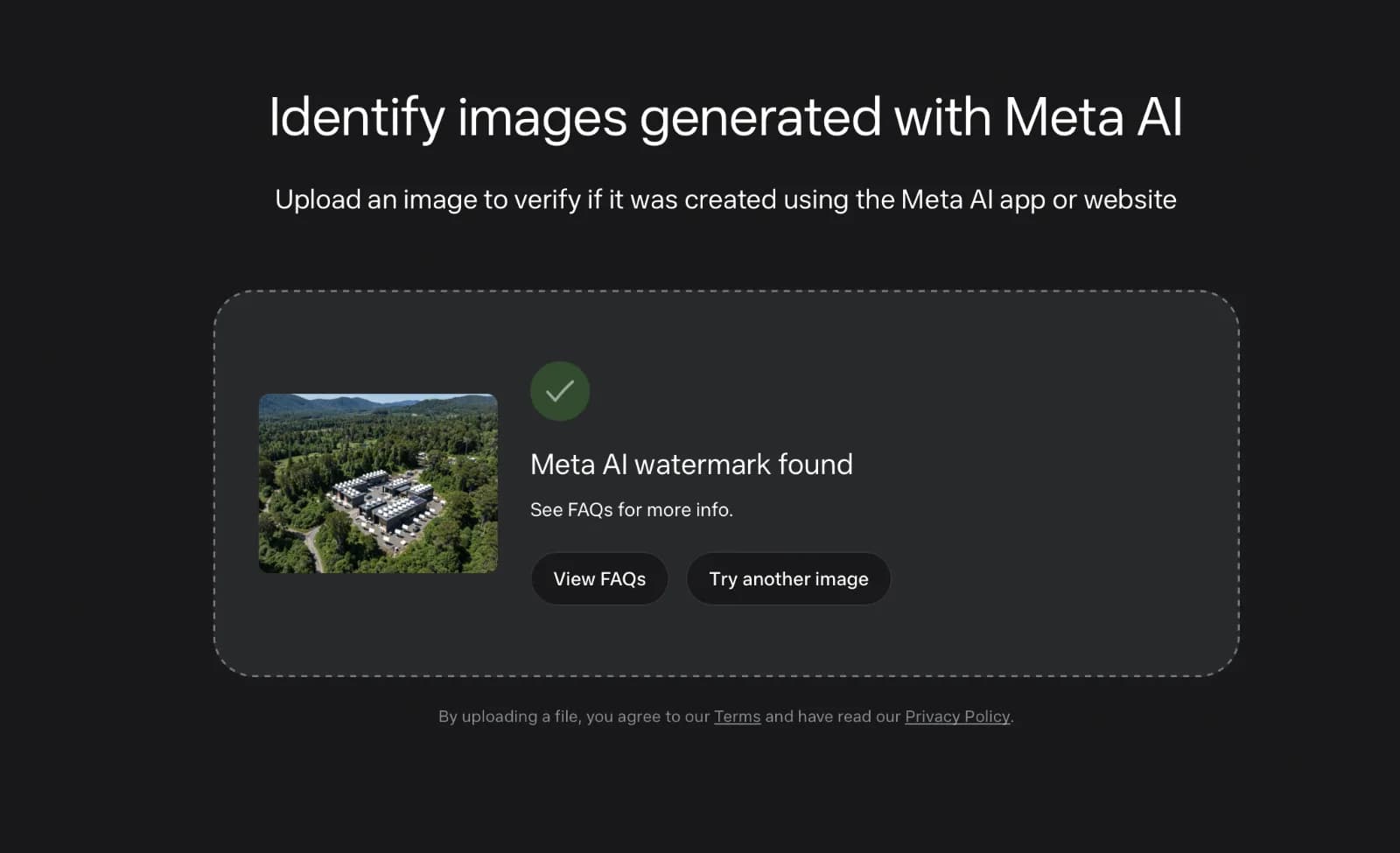
Meta's invisible watermark system remains in place "even when cropped, compressed, resized, or a screenshot is taken".
In Meta AI context, investigating an image is pretty straightforward, Meta built its own detector for it.
Here's a practical guide to how it works and how to investigate properly.
1. The Official Method: Meta's Identification Tool
Meta launched a preview tool at www.meta.ai/identification alongside its new image model Muse Image.
What it checks for is called Content Seal, Meta's invisible watermark system. According to Meta, this watermark remains in place "even when cropped, compressed, resized, or a screenshot is taken".
For now, the detection is limited to images that are created or edited with Muse Image. It does not yet cover video, though Meta says video support is coming soon.
How to use it:
- Go to www.meta.ai/identification
- Upload or drag the image in, it accepts PNG, JPG, WEBP
- Wait for the result

Results of AI Identification - Read the verdict:
Note: By uploading, you agree to Meta's Terms and Privacy Policy, it's right there under the upload box. The tool also has rate limits, so you can't bulk-check hundreds of images at once.
2. What Else Leaves a Trace in the Meta Ecosystem?
The identification page is the most reliable check for Meta AI, but it's not the only signal:
a) On-platform labels: If an image was posted to Facebook, Instagram, or Threads and was made with Meta AI, you will often see an "Imagined with AI" label. Meta has been labeling photorealistic images created with its own tool since launch.
b) Invisible markers: Before Content Seal, Meta used IPTC metadata and invisible watermarks that are in line with Partnership on AI best practices. You can inspect IPTC data with tools like Content Credentials Verify (contentcredentials.org) or even a basic EXIF viewer. If you see digitalSourceType: trainedAlgorithmicMedia or Made with AI, that's a strong clue.
c) Context check: Do a reverse image search. If the same hyper-realistic image appears only after Meta AI's launch date, with no original photographer credit, that's worth flagging.
3. Limitations You Should Know
Don't treat any detector as 100% proof. A Reuters analysis of 40 images found the tool verified all original AI images but failed to verify 55% of the same images after they were cropped to approximately one-third to one-half of their original size.
Meta's own response: the tool is still in preview and the signal may be lost if an image is heavily cropped.
Other blind spots:
- It won't detect images made with Midjourney, DALL-E, Firefly, etc.
- It won't detect older Meta AI images made before Muse Image, those used a small visible logo instead of Content Seal
- Screenshots, re-edits in other apps, and heavy filters can weaken any invisible watermark
4. A Smart Investigation Workflow
If you're a creator, admin, or just trying to avoid sharing a fake, use this order:
Step 1: Start with Meta's tool. It's the only way to confirm Content Seal.
Step 2: Check metadata. Upload the file to C2PA Content Credentials verifier. Look for a manifest that says generated by Meta.
Step 3: Look forensically, but don't rely on it. AI images often have tell-tale signs, overly smooth skin, hands with extra fingers, warped text in the background, inconsistent lighting. But Muse Image is good enough that visual clues alone are no longer reliable.
Step 4: Ask for provenance. If someone sent you the image for your page, ask for the original file or prompt history. A real photo will have a RAW file, multiple angles, or a consistent story.
5. What To Do If You Suspect a Deepfake
- Don't re-share to "ask if it's real", that amplifies it
- Save the original file, not a screenshot, so the watermark stays intact for verification
- On Instagram / Facebook / Threads, use the built-in report > False information > AI-generated content
- If it's about you or someone you know, document the URL, date, and uploader
The big shift with Meta is that verification is moving from guessing by eye to checking a cryptographic signal hidden in pixels. The www.meta.ai/identification page is your first stop for anything you think came from Meta AI, just remember that a negative result doesn't mean "not AI at all," it just means "probably not Meta AI."