Got a Sextortion Email With Your Old Password? Here's Why It's a Bluff (and What to Do)
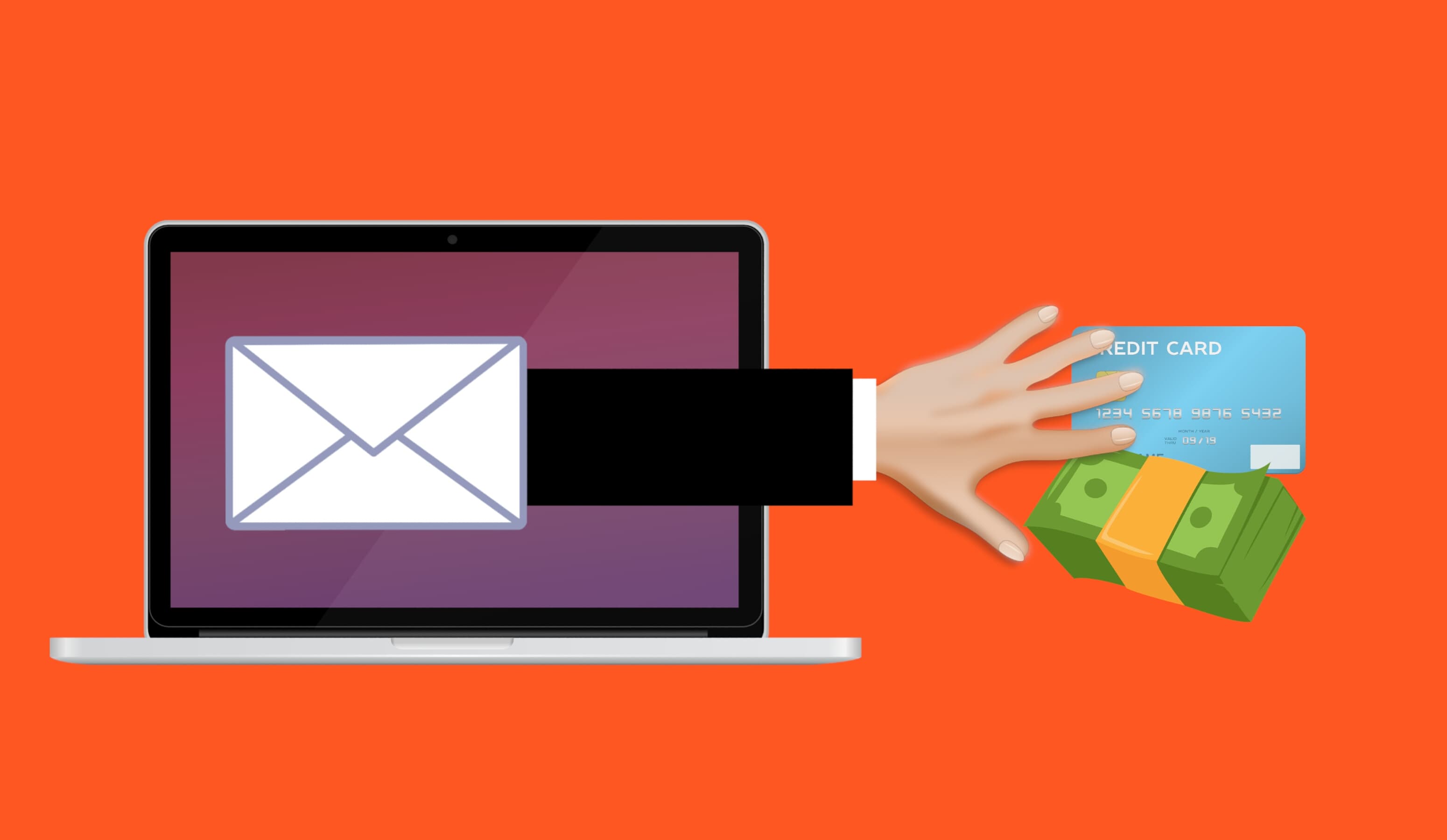
That "I hacked your webcam" email showing your old password is a mass-mailed bluff. Why it is almost always fake, and exactly what to do: do not pay, do report.
If you just received an email saying a hacker put malware on your device, watched you through your webcam, and will send an explicit video to your family unless you pay Bitcoin, take a breath. In almost every case this is a mass-mailed bluff. The sender has no video, no malware, and no access to your webcam or contacts. The reason it feels terrifyingly real is one clever trick: they paste in a password of yours. That password did not come from hacking you. It came from an old data breach. Here is how to tell, and exactly what to do.
Is this real? Almost always, no
This scam is sent to millions of inboxes at once. It works by volume: the sender does not know you, has not watched you, and is counting on a small fraction of recipients panicking and paying before they realise it is a template. The US Federal Trade Commission puts it plainly: “It’s a scam. Don’t pay anything.” The FBI says the same, and adds that paying does not even guarantee the (non-existent) material stays private.
A few tells give it away every time. There is never any actual proof attached, only threats. There is a tight deadline, often 24 to 48 hours, and a demand for payment in Bitcoin or another cryptocurrency. And the email usually tells you not to reply and not to contact the police. Real investigators do not work that way; scammers who want you scared and rushed do.
How they know your password
The password they show you is real, which is why this lands so hard. But it was exposed in a past data breach of some website you used, not captured from your computer. Criminals buy these leaked lists of email addresses and passwords in bulk and feed them straight into the scam template. The password may be years old or more recent, depending on which breach it came from.
You can check for yourself. Go to haveibeenpwned.com, a reputable free service run by security researcher Troy Hunt, and enter your email address. It will show you which breaches exposed your data. Anywhere you still use that password, or anything like it, change it now. For the bigger picture on leaked data, see our guide on what to do when your data is in a breach.
The variants you might see
The core bluff stays the same, but the packaging keeps evolving. You might run into any of these:
- “Sent from your own email.” The message appears to come from your address, as “proof” they control your account. They do not. This is ordinary email spoofing, which fakes the sender line without any access.
- A photo of your home. A 2024 wave added the recipient’s name, street address, and a picture of their house pulled from Google Maps or a similar online mapping service. It is automated from the same leaked address lists, not someone outside your door.
- A PDF attachment. Instead of plain text, the threat arrives as an attached PDF, sometimes with a QR code for the Bitcoin payment. The PDF format helps it slip past spam filters.
- Your phone number. Some versions include a real phone number, again lifted from a breach, to make it feel personal.
None of these mean you were individually hacked. They are data points from breaches, stitched into a script to manufacture fear.
What to do
- Do not pay, and do not reply. Paying marks you as someone who responds and invites more demands. Replying does the same.
- Change any reused passwords and turn on two-factor authentication. Check your email at haveibeenpwned.com, then update that password everywhere it is still in use, and switch to a unique password per site (a password manager makes this painless).
- Keep the email and report it. Do not delete it yet. Report to your national channel: in the US, ic3.gov; in the UK, Action Fraud; in Australia, ReportCyber; in India, cybercrime.gov.in or call 1930. Also report the message to your email provider as phishing. Our guide to filing an IC3 complaint shows what to include.
- Report the Bitcoin address. You can paste the wallet address into chainabuse.com, a crypto-fraud reporting platform, to flag it.
- Expect repeats, and ignore them. The same bluff may arrive again from different addresses over the coming weeks. Delete and move on. Ignoring it completely is the correct and complete response.
If you happened to click a link or open an attachment from the email, read our guide on what to do after clicking a phishing link.
One real exception to take seriously
This guide is about the mass email bluff. There is a separate, genuine crime called financially-motivated sextortion, where someone actually befriends a victim online, persuades them to share real intimate images, then threatens to release those real images unless paid. That is not a bluff, and it disproportionately targets teenagers. If a real person has real material of you, do not follow the “ignore it” advice above: preserve everything, do not pay, and get help. See our guide on financial sextortion and how to respond.
Frequently asked questions
They had my real password. Are you sure they didn’t hack me?
For the mass email bluff, yes. The password came from a breached website’s leaked database, not from your device. Check haveibeenpwned.com and you will usually find the exact breach. Change that password anywhere you still use it and you have closed the only real exposure.
Should I be worried that it came from my own email address?
No. Faking the “from” line is trivial and requires no access to your account. If you are still uneasy, change your email password and enable two-factor authentication, and check your account’s recent sign-in activity.
What if they really do send something to my contacts?
In the mass email bluff there is nothing to send; they have no video. This threat is the entire product. Paying would not stop a real attacker anyway, which is exactly why every official agency says not to pay.
Is it worth reporting if I am not going to pay?
Yes. Reports feed the pattern that agencies use to track these campaigns, and reporting the email and wallet address costs you a few minutes. You will not get a personal reply, and that is normal.
Sources
- US Federal Trade Commission: Scam emails demand Bitcoin, threaten blackmail
- FBI Internet Crime Complaint Center: PSA on the increase in sextortion complaints
- FBI IC3: 2024 Internet Crime Report (PDF)
- Krebs on Security: Sextortion scam uses recipients’ hacked passwords
- Krebs on Security: Sextortion scams now include photos of your home
- Electronic Frontier Foundation: New email scam includes pictures of your house
- Have I Been Pwned: About
- Action Fraud (UK): Sextortion emails: how to protect yourself
If you have been targeted, you are not alone. See our country-by-country cybercrime help hub for step-by-step reporting and recovery guides.
Image: Email scam concept illustration by Mohamed Hassan, released under CC0, via Wikimedia Commons.