Booking.com Reservation Scam: How the Fake 'Confirm Your Booking' Links Work
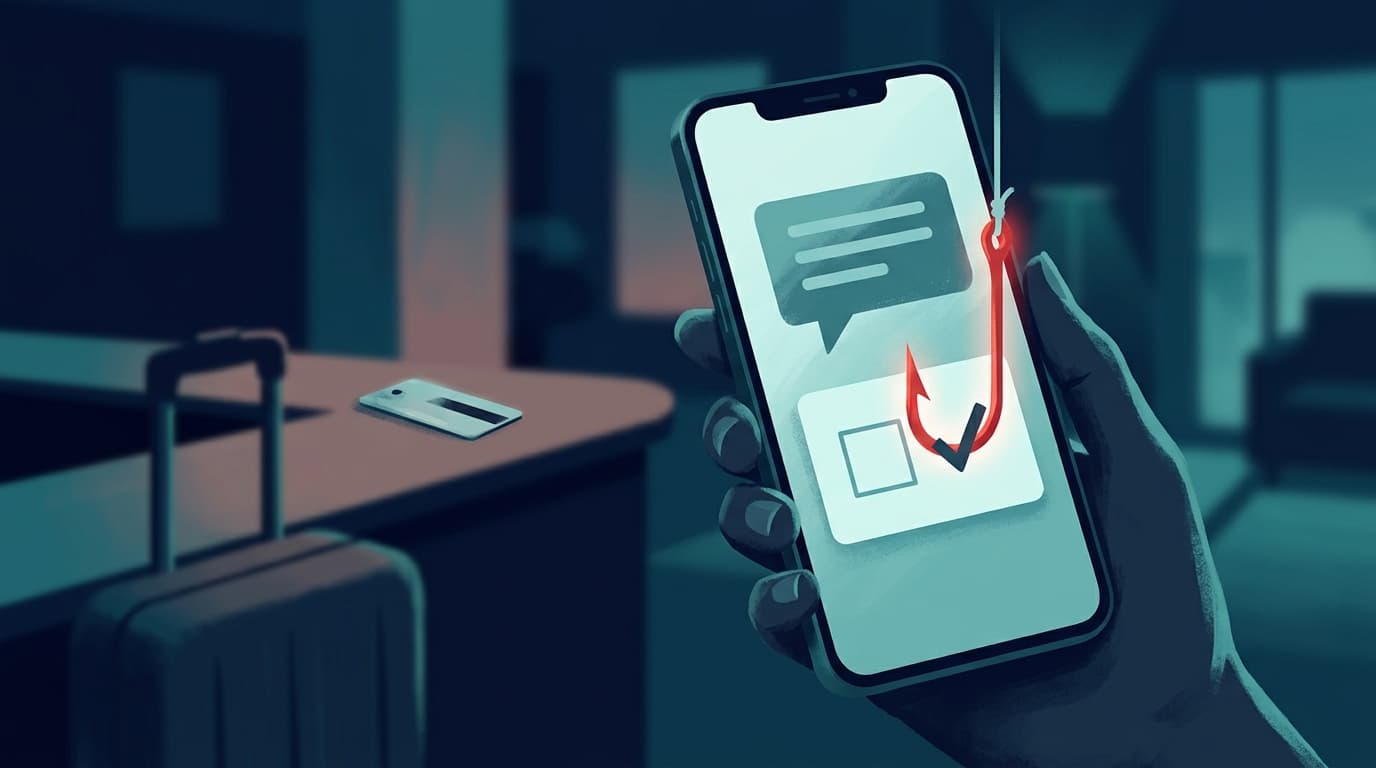
Guests are getting messages with real booking details and a link to confirm their reservation. We took one link apart: how the kit hides, who it targets, what to do.
The message looks real because most of it is. It arrives on WhatsApp, or even inside Booking.com's own chat, and it quotes your hotel, your dates and your name. Then it asks you to "confirm" your reservation through a link, or lose the room. We took one of these links apart this week. It leads to a fake "I'm not a robot" check built to hide a card-harvesting page from security scanners, running on a domain that was three days old. Here is how the scam works, what we found inside the kit, and what to do if you have already clicked.
Primary sources: Booking.com Trust & Safety · Fraudehelpdesk (Netherlands), September 2026 · Microsoft Threat Intelligence · our own analysis of a live link, 15 September 2026
On this page
How the scam reaches you
- The criminals get your booking. Usually they break into the hotel's own Booking.com partner account, often by phishing hotel staff. UK police reported this pattern in January 2025, with 532 reports and £370,000 lost between June 2023 and September 2024 (Action Fraud). Separately, in April 2026 Booking.com confirmed that unauthorised third parties accessed some guests' booking information, including names, emails, phone numbers and reservation details. It said no financial information was accessed from its systems and has not said how the access happened.
- They message you with real details. Your name, hotel, dates and price make the message believable. It can come by WhatsApp, SMS, email, or through Booking.com's in-app messaging from the hijacked hotel account.
- They add a deadline. A typical version says your card "could not be verified" and the booking will be cancelled within hours unless you confirm.
- The link. A web address built to look like part of a booking system, such as
bookingrm.followed by a domain with words like "guest", "reservation" or "arrival" in it. - The fake check, then the trap. A "verify you're human" box screens out scanners. Real visitors are passed through to a page that asks for card details, and often the one-time password your bank sends.
- The vanish. The domain is abandoned within weeks and the same kit returns under a new name.
Inside the link: what we found
A reader sent us a live link from this campaign on 15 September 2026. We examined it without entering any data. Its web address is shown here in "defanged" form, with [.] in place of the dots, so it cannot be clicked: bookingrm[.]arrivalupdate[.]com, followed by a ten-digit number.
- Brand new. The domain was registered on 12 September 2026 through a Hong Kong registrar, three days before we saw it, and got a free security certificate the same day. The padlock in the address bar means nothing here.
- Hidden origin. The site sits behind Cloudflare, so the real server's location is concealed.
- Cloaked. Visiting the bare domain bounces you to google.com. Security scanners and Google's own crawler get a "404 Not Found". Only something that looks like a real browser is shown the page.
- Localised by location. The page picks its language from your internet connection's country, not your browser settings. We were shown Hindi from India. The kit carries 40 languages, and earlier copies we traced were seen in Polish, Portuguese, German and Spanish.
- One kit, many domains. The same
bookingrm.prefix and numbered links appear on at least four earlier domains since July 2026. The two oldest no longer exist.
| Domain (defanged) | First seen | Language shown |
|---|---|---|
bookingrm.reservationguestinfo[.]com | July 2026 | Polish |
bookingrm.guestcheck2026[.]click | 30 July 2026 | Not recorded |
bookingrm.guest-check2026[.]click | 2 September 2026 | Portuguese |
bookingrm.hotelinfonline[.]com | 7 September 2026 | German, Spanish |
bookingrm.arrivalupdate[.]com | 15 September 2026 (live) | Hindi (for India) |
We did not get past the fake check, because we do not bypass anti-bot controls. What sits behind it is therefore inferred rather than observed. The domain names, the guest-facing wording and the wider campaign all point to a fake Booking.com payment page that collects card details.
Why the fake "I'm not a robot" box
The box looks like a routine security step, and that is the point. Before letting you through, the page quietly records details of your device: how it draws graphics, how your mouse or finger moves, and whether the browser is being run by software. Automated security scanners fail those checks and see only a harmless box, so the scam page stays off blocklists for longer. You pass, and you are shown the part the scanners never see.
Hotel staff face a nastier version. Microsoft documented a group it calls Storm-1865 that, from December 2024, sent fake Booking.com emails to hotels leading to a fake captcha. It told staff to paste a command into Windows, which installed password-stealing malware. That trick is known as "ClickFix". No genuine captcha ever asks you to press keys, open the Run box or paste anything.
Red flags
| Red flag | Why it matters |
|---|---|
| A message asking you to "confirm" or "verify" your card | Booking.com says: "We'll never ask you to share credit card details by email, over the phone, through text or WhatsApp." |
| A threat to cancel within hours | Manufactured urgency to stop you checking. |
| A link that is not booking.com | Words like "booking", "guest" or "reservation" in someone else's domain prove nothing. |
| A "verify you're human" page before the booking page | Booking.com does not put your reservation behind a checkbox like this. |
| A request for a one-time password | That code approves a payment. Nobody legitimate needs it. |
| A new or different payment request | Payment should match what your confirmed booking says, and happen through the app. |
The one check that always works: close the message, open the Booking.com app or type booking.com yourself, and look at your reservation. If there is a real problem, it will be there. If you are unsure, contact the property or Booking.com customer service from inside the app, not through the message.
Already entered your card?
- Call your bank or card issuer now to block the card and dispute any payment. Our chargeback guide explains how.
- Tell Booking.com through customer service in the app, change your Booking.com password and turn on two-step verification.
- Report it: 1930 or cybercrime.gov.in in India, Report Fraud in the UK (formerly Action Fraud), FTC in the US, and the Fraudehelpdesk in the Netherlands.
If you clicked but typed nothing, follow what to do if you clicked a phishing link. For the wider picture, see how phishing works and how to stop it.
Indicators for defenders
For security teams, hotel IT and blocklist maintainers. All domains are defanged.
- Domains:
arrivalupdate[.]com,hotelinfonline[.]com,guest-check2026[.]click,guestcheck2026[.]click,reservationguestinfo[.]com. All of them use a wildcard subdomain, and lures usebookingrm.. - URL pattern:
https://bookingrm.<domain>/<9 to 10 digit id>. The page title is "Verification" and the bare domain redirects with a 302 to google.com. - Behaviour: non-browser user agents and Googlebot receive a 404. The gate POSTs a fingerprint (canvas, WebGL renderer, pointer and touch counts,
navigator.webdriver, honeypot fields) to/verify-captchawith a signed session token valid for 10 minutes. The backend is Node.js Express behind Cloudflare. - Registration: fresh domains, several through Dominet (HK) Limited, each on its own Cloudflare nameserver pair.
FAQ
The message came through the Booking.com app. Is it safe?
Not necessarily. If the hotel's account has been taken over, the criminals are messaging you through the genuine channel. Judge the request, not the channel: any request for card details by message is a red flag.
How did they know my booking details?
Most often from a hijacked hotel account. Booking.com also confirmed in April 2026 that unauthorised third parties accessed some guests' booking information. Genuine details do not make a message genuine.
The page had a padlock and a security check. Doesn't that make it safe?
No. Scam sites get certificates for free, and the "security check" here exists to hide the scam from scanners, not to protect you.
Sources: Booking.com Trust & Safety · Fraudehelpdesk half-year figures 2026 (PDF) · Action Fraud alert · TechCrunch, 13 April 2026 · Malwarebytes, April 2026 · Microsoft Threat Intelligence
If you have been targeted, you are not alone. See our country-by-country cybercrime help hub for step-by-step reporting and recovery guides.